Document scanner for Android
Scan it once.Find it anytime.
Scan, organize and read your documents. All of it on your device.
- No watermark.
- No account.
- No cloud.
Free, with no ads. Android 7.0 and later.
- No watermark
- No account
- No ads
- Open source, GPL-3.0
- Text recognition on your device
- Search inside every page
- Tablets and foldables
- 13 languages
01 / What it is
Paper you can find again.
Bills, contracts, class notes, warranties. Docucraft is the scanner that turns them into documents you can search by what they say.
It adds no watermark, asks for no account, and keeps your documents on your phone.
02 / Three ideas
- I
Yours
Your documents carry no one else's mark, and they stay on your phone.
- No watermark, ever
- Scanning and OCR on the device, with ML Kit
- No account, no cloud, no sync
- Free, no ads, open source
- II
Findable
Find a document by what it says, not by what you named it.
- Full-text search over every page
- Results show the page and the words around the match
- Ignores accents and capitals
- Text recognition for scans, per document
- III
Crafted
Every detail is considered, so handling paper feels calm.
- Reading position kept to the line
- Links show where they lead first
- A bin that keeps documents 30 days
- Material 3 Expressive, dynamic color, tablets and foldables
03 / A tour
One screen, one idea.
Eight screens from the app, as they are today.
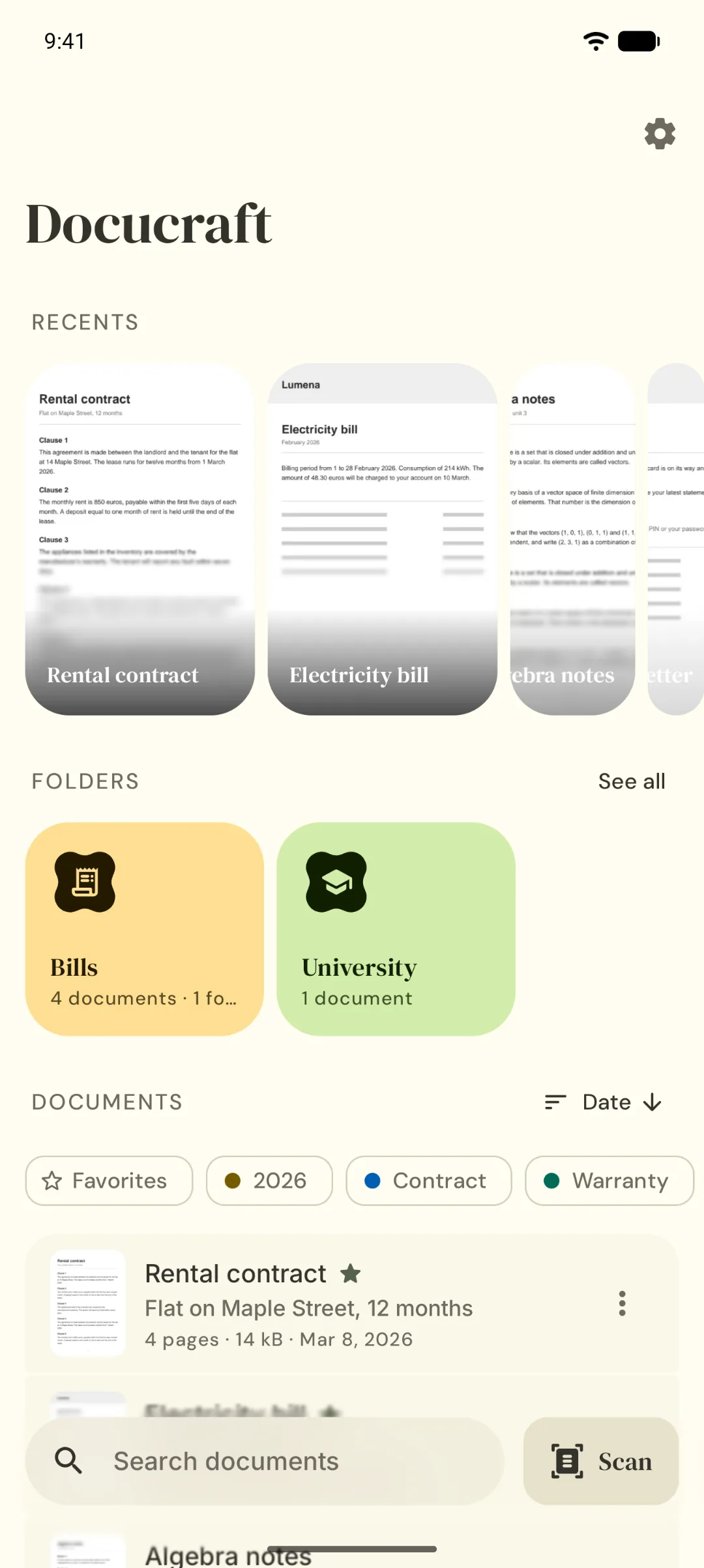
Your paper, in order.
Scan, organize and find every document.
Recents, pinned folders and your tags, together on Home.
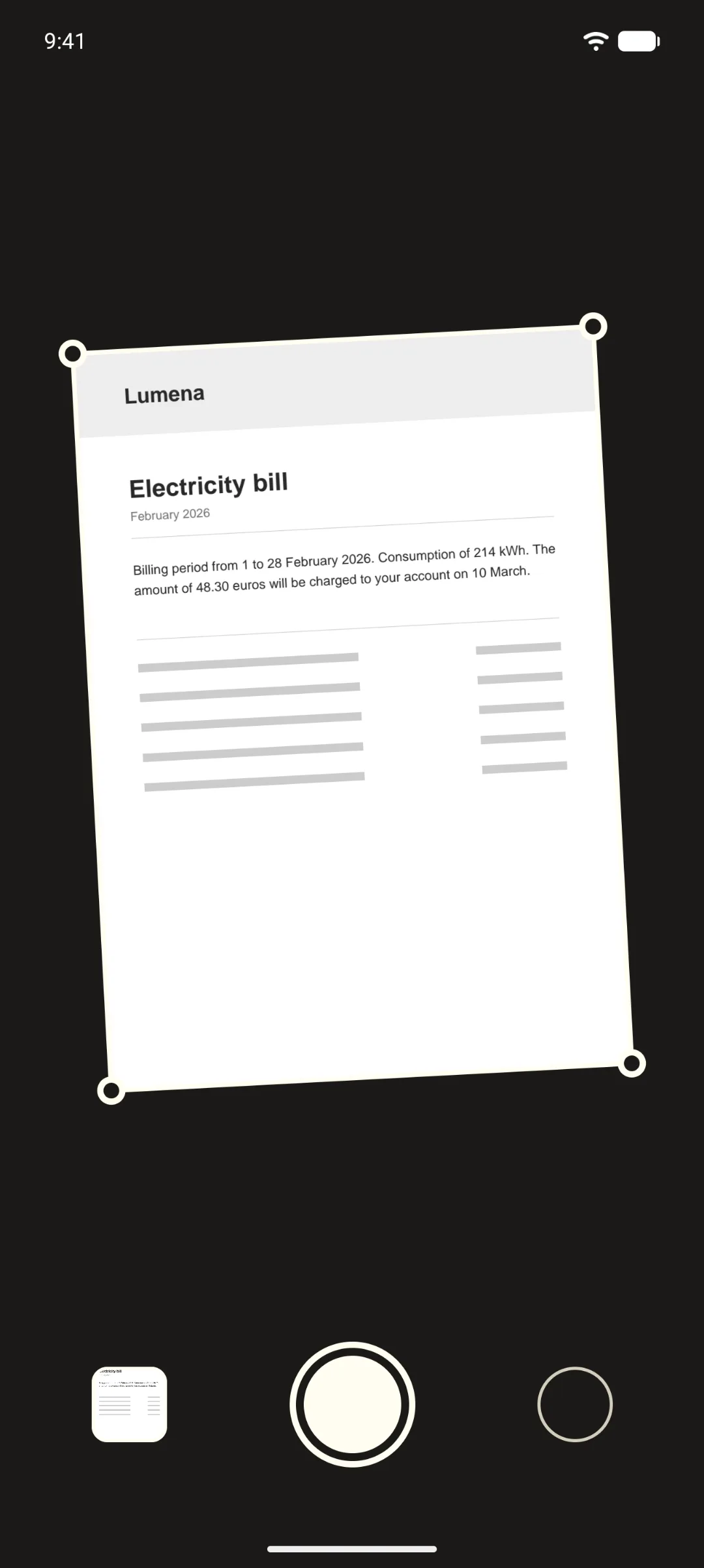
Scanned in seconds.
Edges found, cropped and cleaned for you.
Scan several pages into one PDF, from the camera or from photos you already have.
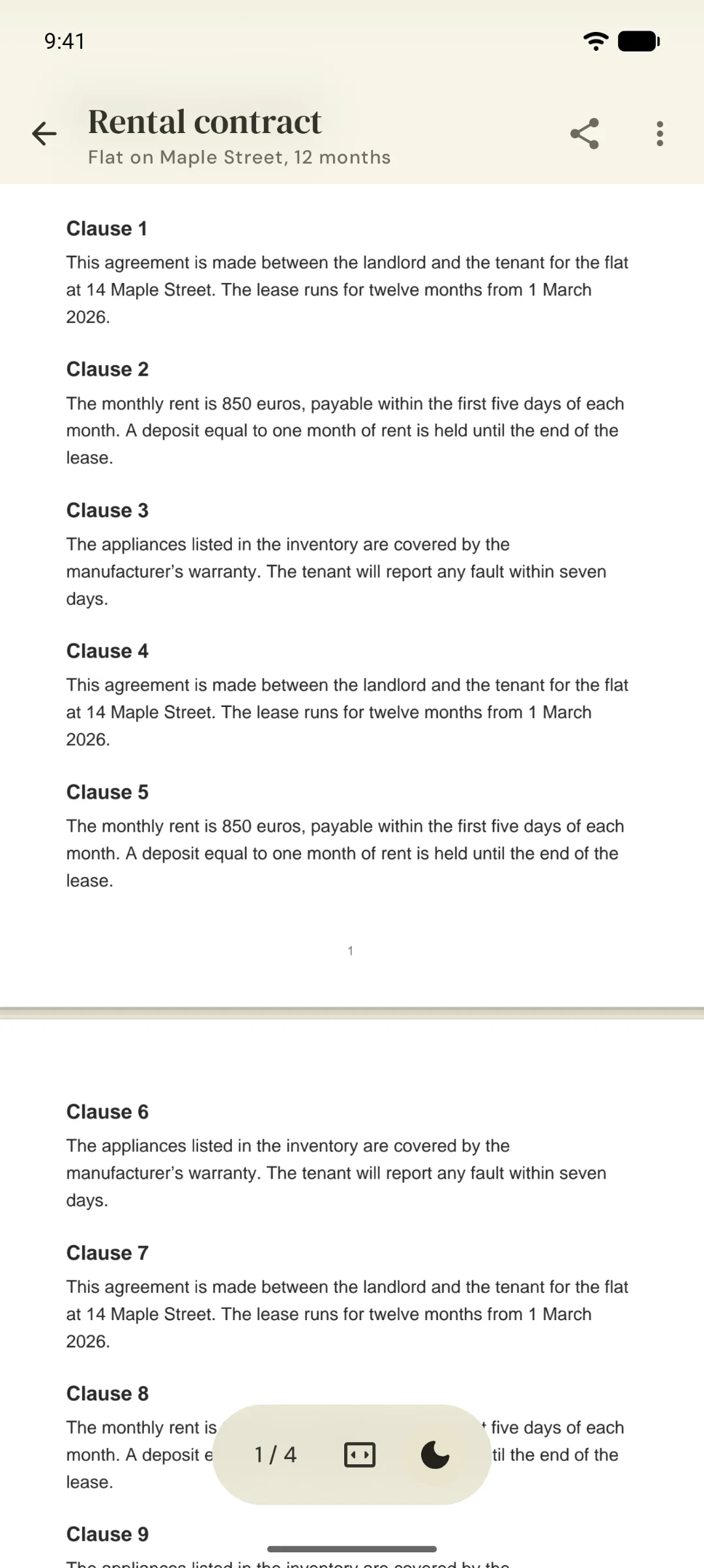
No watermark. Ever.
Your document carries your name, not ours.
Share, print or open it with another app. The file keeps the name you gave it.
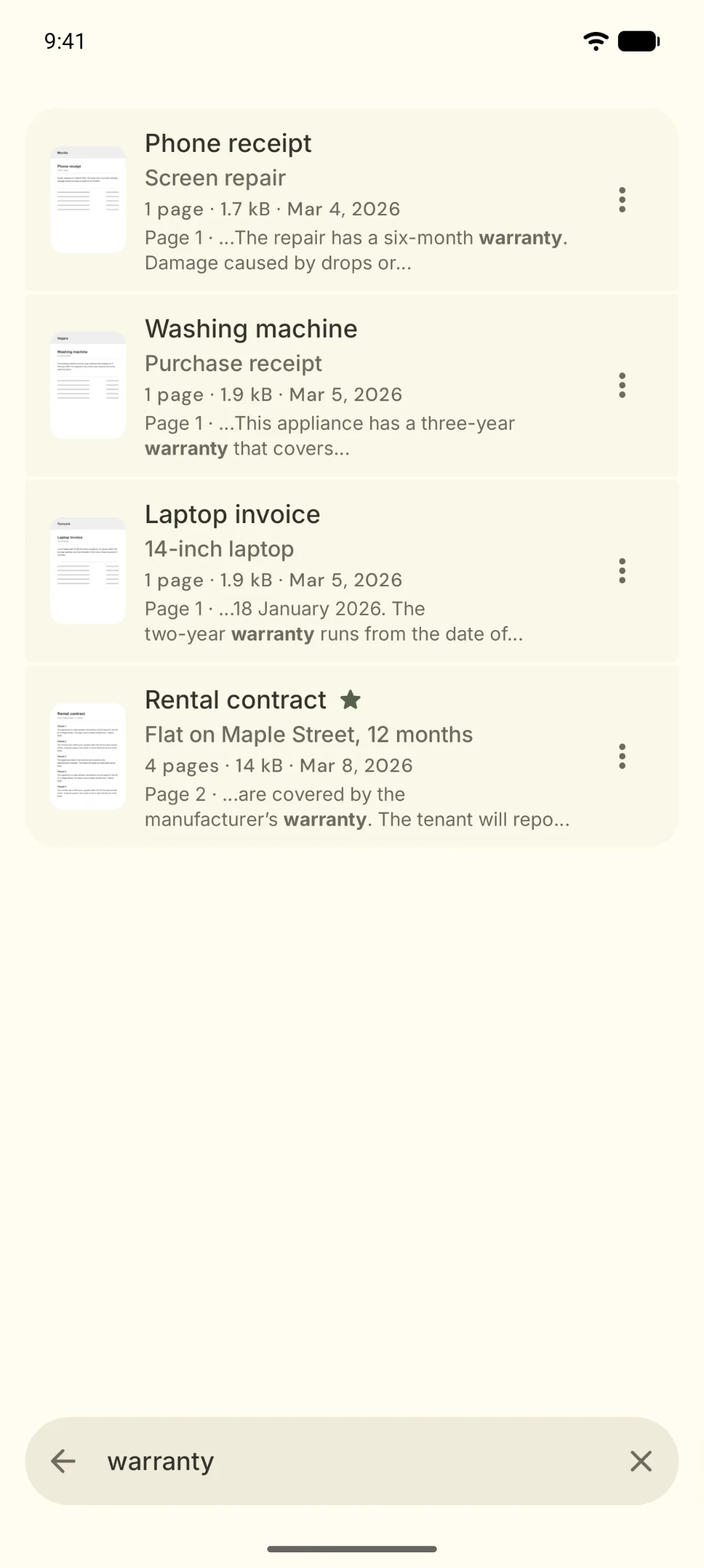
Find it by what it says.
Search inside every page, accents and all.
Search for “warranty” and get the exact page, with the words around it.
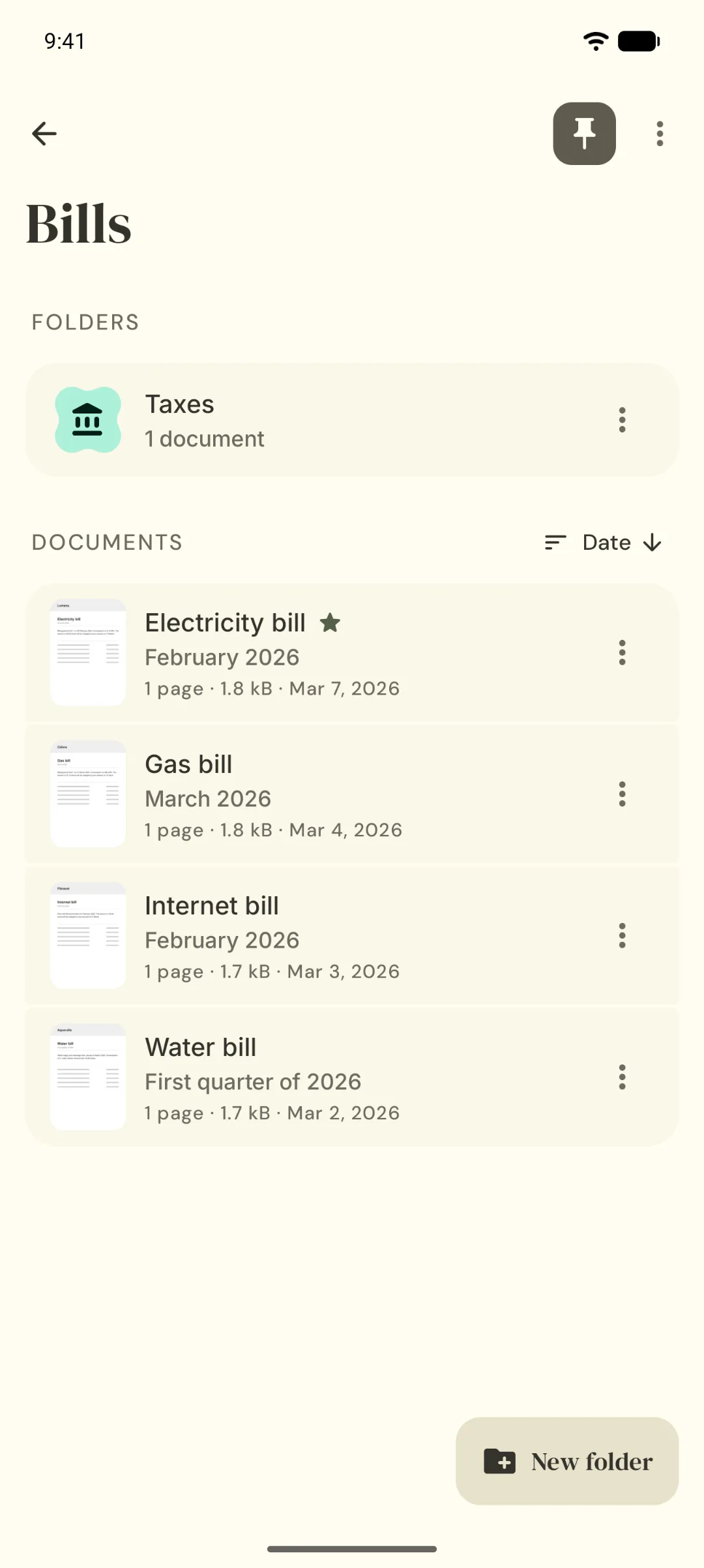
Folders, tags, favorites.
Organized the way you think.
Folders inside folders, each with its own color and icon. Pin the ones you use to Home.
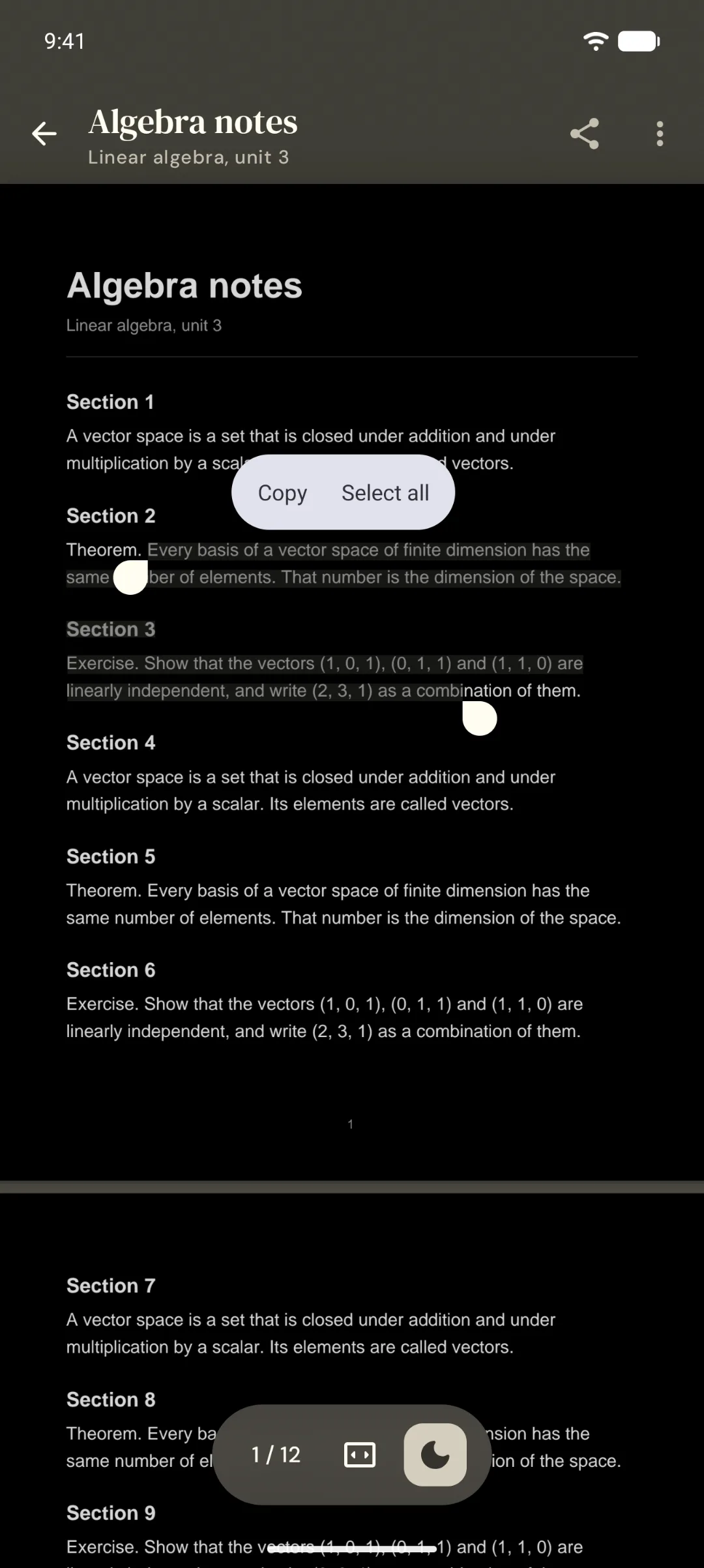
Pick up where you left off.
Down to the line, day or night.
Select and copy text, switch to night mode, and come back to the same line.
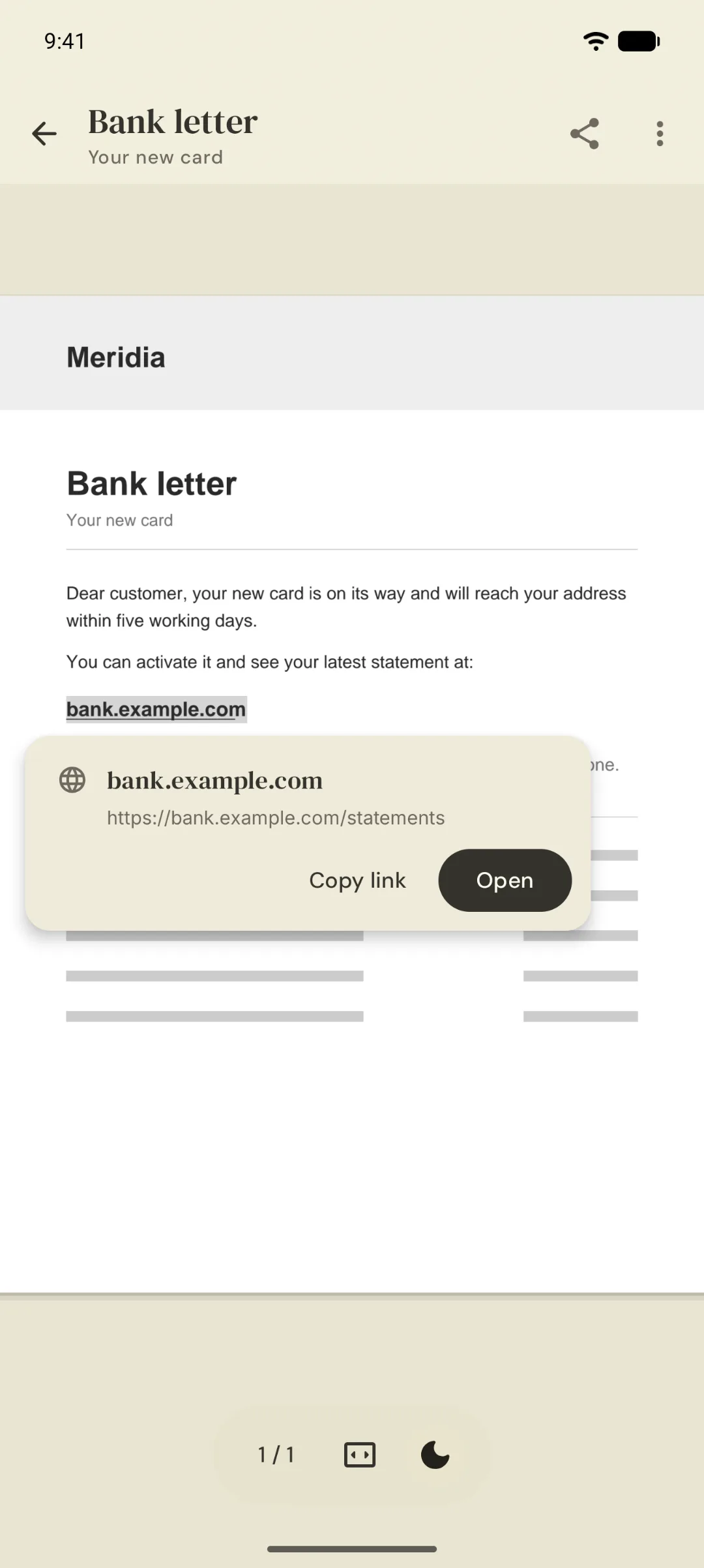
See before you tap.
Every link shows where it really goes.
Before a link in a PDF opens, you see its real address. A look-alike can't pass for the real one.
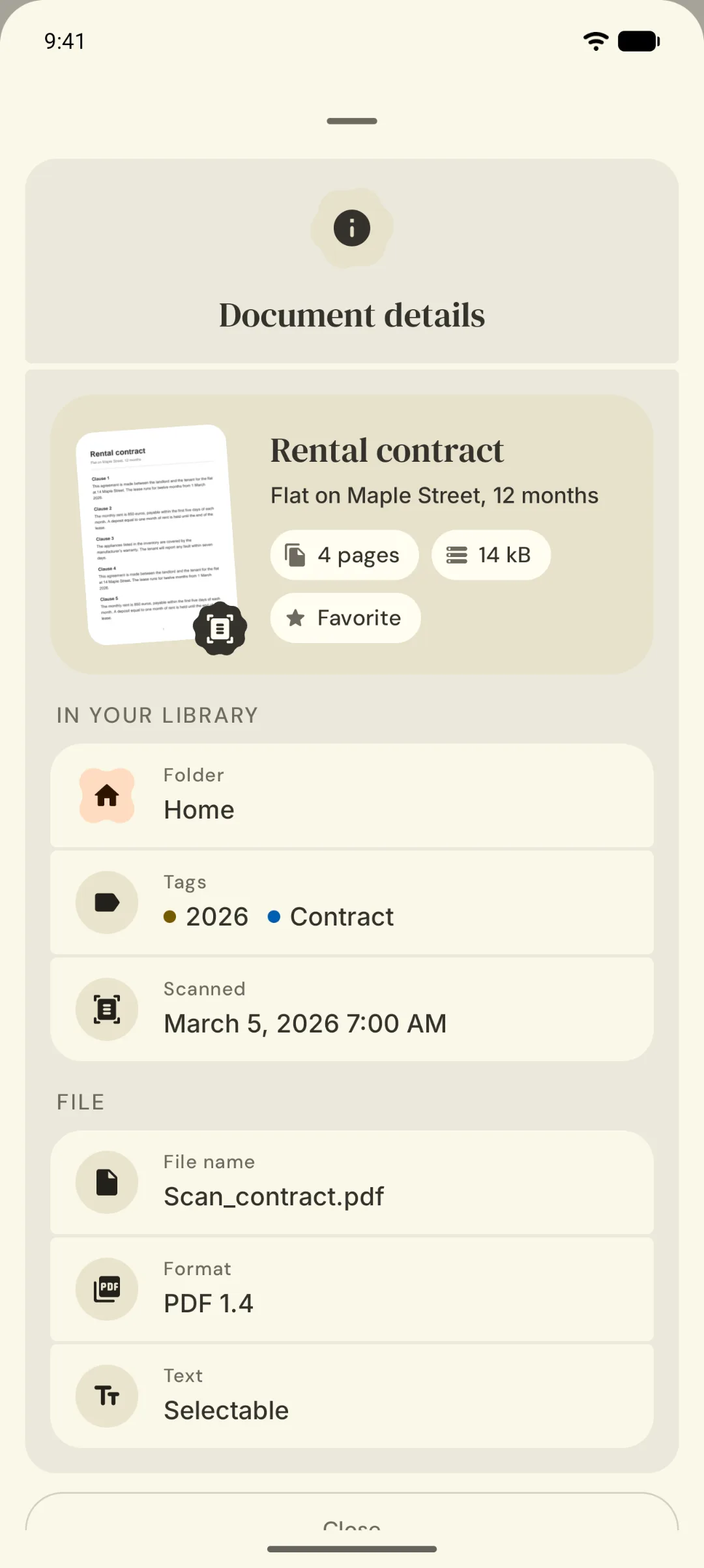
Stays on your phone.
No account. No cloud. Open source.
Your documents and their text never leave your device unless you share them.
04 / How it works
From paper to index.
- 1
Scan
The camera finds the edges of the page, crops it and cleans it up.
- 2
Recognize
Turn on text recognition (OCR) and the page is read on your device.
- 3
Find
Search a word written inside. Docucraft opens the right page.
05 / Privacy
What you scan stays with you.
Scanning and text recognition run on your device, with ML Kit. Your documents and their text never leave it unless you share them.
What is collected: usage events and crash reports, through Firebase Analytics and Crashlytics. Never your documents, nor their text.
Read the privacy policyNo account, no cloud.
Documents live in the app’s private storage. The library and its search index, in a local database.
Opened, not copied.
PDFs from other apps are opened in place. They join your library only when you choose to save them.
Links without surprises.
A web link is shown by the address a browser would really open, before anything opens.
A bin with patience.
Delete something by mistake and the bin keeps it for 30 days.
06 / Open source
Open source. All of it.
Docucraft is free software under the GPL-3.0 license. The code, the architecture and the reasons behind each decision are on GitHub.
Read the code on GitHub$ git clone https://github.com/BobbyESP/Docucraft.git- Kotlin
- Jetpack Compose
- Material 3 Expressive
- ML Kit
- Room with FTS4
- Navigation 3
07 / Fact sheet
The short version.
- Platform
- Android 7.0 and later. Phones, tablets and foldables.
- Price
- Free. No ads, no subscriptions.
- Account
- None needed.
- License
- Open source, GPL-3.0.
- Scanning
- ML Kit Document Scanner, on the device: edges, crop, filters, many pages per PDF, from camera or photos.
- Text recognition
- ML Kit, on the device, Latin script. Your choice, per document.
- Search
- Full text over names and page text. Ignores case and accents. Shows page and snippet.
- Data collected
- Usage events and crash reports (Firebase Analytics, Crashlytics). Never documents or their text.
- Languages
- English, Arabic, Chinese, Dutch, French, German, Hindi, Italian, Japanese, Korean, Portuguese, Russian and Spanish.
08 / Questions
Asked often.
Is Docucraft free?
Yes. It has no ads, no subscriptions and no sign-up. It is also open source.
Does it add a watermark?
No. Never. The PDF you share carries the name you gave it, and nothing else.
Does it work without an internet connection?
Scanning and text recognition run on your device. The first time you use them, Google Play services downloads the ML Kit models, so that first use needs a connection.
Which languages can text recognition read?
Latin-script languages, such as English, Spanish, French or German. The interface itself comes in 13 languages.
Which Android version do I need?
Android 7.0 or later, with Google Play services. Selecting a PDF’s own text needs Android 15; below it, text recognition covers it for documents in your library.
Will it be on F-Droid?
Not as it stands: the scanner and text recognition depend on Google Play services.
Are my documents backed up?
Not yet. The library is left out of Android’s Auto Backup on purpose, and export is planned. Deleted documents stay in the bin for 30 days.